Identity and Access
Microsoft’s Passkey Push Is Not Just an MFA Project
For executives, the harder question is whether the organization can manage identity securely across enrollment, recovery, exceptions, role changes, and offboarding.
By Leetroy Fraser | Bitralynx Solutions·Published
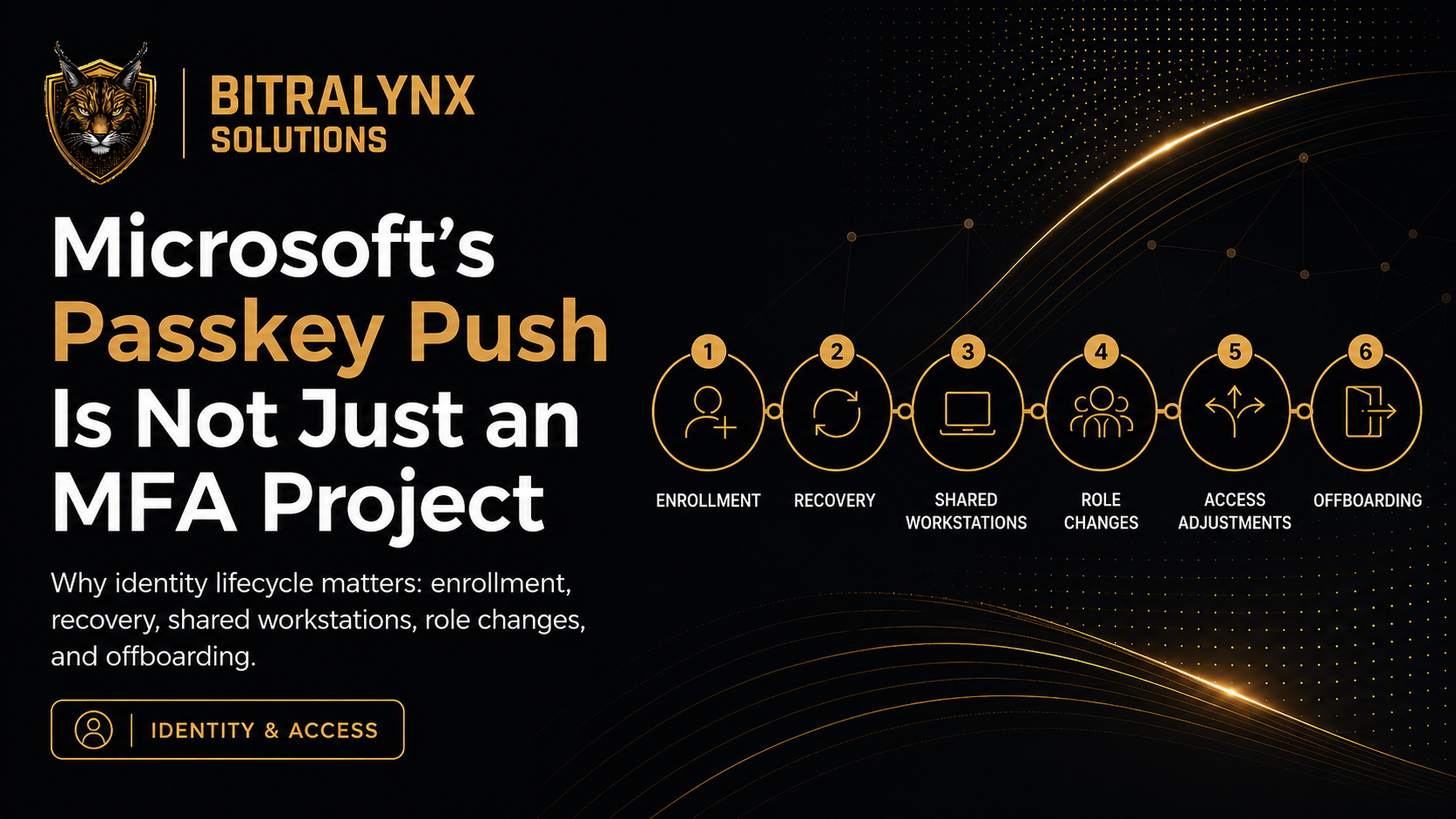
Microsoft is changing the authentication baseline in Entra ID. The security rationale is sound. The management challenge is larger than the authentication method itself.
Beginning September 1, 2026, Microsoft says users who are enabled for SMS or voice authentication in Microsoft Entra can be automatically enabled for passkeys and brought into a registration campaign. Beginning February 1, 2027, Microsoft-provided SMS and voice delivery is scheduled to be retired in public-cloud Entra tenants.
That makes the obvious project look like this: identify users who still rely on SMS or voice, enable passkeys, communicate the change, and migrate people before the deadline.
Organizations should do those things. But executives should understand that this is not merely an MFA migration. It is an identity operations change.
The prevailing advice is mostly right
Microsoft is explicit about the security problem. It describes traditional methods such as SMS codes, email one-time passwords, and push notifications as increasingly vulnerable to phishing, interception, social engineering, and MFA fatigue. Microsoft recommends phishing-resistant approaches such as passkeys, Windows Hello for Business, FIDO2 security keys, and certificate-based authentication.
CISA makes the same broad recommendation. It advises organizations to use the strongest MFA available and identifies text or email codes as weaker options than phishing-resistant approaches.
NIST’s current digital identity guidance also treats phishing resistance as a property of the authentication protocol, not as something that depends on a user recognizing every phishing attempt. NIST specifically notes that manually entered authentication outputs, such as many OTP methods, are not considered phishing-resistant.
So the common security position is not the part that needs challenging. Moving away from weaker, phishable authentication is the correct direction.
What is missing is the lifecycle
The risk is that organizations reduce the project to a technical checklist:
- Turn on passkeys.
- Send instructions to employees.
- Track registration.
- Disable the old method.
- Declare the migration complete.
That checklist may complete the configuration work. It does not answer whether the organization can reliably operate the new identity model.
Every authentication system eventually encounters an abnormal moment. A phone is lost. A laptop is replaced. A new employee starts remotely. A frontline employee moves between locations. An executive gets locked out while traveling. A privileged administrator needs emergency access. Someone changes roles. Someone leaves.
Those moments are where identity security becomes an operational discipline rather than a feature.
Six-stage identity lifecycle: identity proofing, enrollment, daily authentication, recovery, role change, and offboarding. Each stage carries a question leadership should be able to answer.
The identity lifecycle
-
1Identity proofing
Who is this person?
-
2Enrollment
How is the credential issued?
-
3Daily authentication
How do they sign in safely?
-
4Recovery
What happens when normal access fails?
-
5Role change
How does access change with responsibility?
-
6Offboarding
How is access removed completely?
Recovery may be more important than enrollment
Passkeys are designed to resist phishing. That is a significant improvement. But the security of an identity program can still collapse at the recovery process.
Consider a user who loses the device containing a credential. The organization now needs to re-establish trust. If the recovery process is simply “call the help desk and answer a few questions,” an attacker may bypass the strong authentication method by attacking the human recovery process instead.
Microsoft’s own phishing-resistant MFA guidance places strong onboarding, Temporary Access Pass, and identity verification alongside passkeys as parts of the larger identity model. That is an important clue for leaders: authentication strength and recovery assurance have to be designed together.
An executive team does not need to choose the technical recovery mechanism. It does need assurance that recovery is documented, verified, tested, and resistant to social engineering.
Frontline and shared-workstation realities matter
For human-services, behavioral-health, disability-services, healthcare, and other mission-driven organizations, workforce conditions are rarely uniform.
Some employees have assigned laptops. Others work across facilities. Some use shared workstations. Some may not have an organization-issued smartphone. Supervisors may move between programs. Clinical or direct-care staff may need fast access during time-sensitive work.
A security architecture that assumes every worker has the same device, location, schedule, and technical comfort level can fail even when the technology itself works exactly as designed.
That does not justify staying with weaker authentication. It means the rollout should start with workforce scenarios, not only tenant settings.
Questions leadership should expect the implementation plan to answer
- Enrollment: How do we verify and enroll a new employee, including someone starting remotely?
- Device loss: What is the recovery process if the registered device is lost, damaged, replaced, or unavailable?
- Shared workstations: What is the supported authentication experience for employees who do not have a dedicated computer?
- No company phone: What is the approved method for staff who do not have or should not be required to use a personal mobile device?
- Privileged access: Are administrators and other high-risk accounts held to a stronger standard?
- Emergency access: Can the organization recover from an authentication or identity-provider failure without creating an unsafe back door?
- Help desk verification: How does support verify that a person requesting recovery is actually that person?
- Role changes: Does access change when responsibilities change, or does permission simply accumulate?
- Offboarding: Are authentication methods, sessions, devices, tokens, and application access removed when someone leaves?
There is also a timing issue
September 1 is not the final retirement date. It is the beginning of a more visible transition for affected users. Microsoft says qualifying SMS and voice users can be auto-enabled for passkeys and targeted by a Microsoft-managed registration campaign. The default registration campaign allows users to snooze the passkey prompt.
That means organizations have time to plan, but they should not confuse a non-blocking prompt with a completed migration.
The harder deadline is February 1, 2027. Microsoft says its native SMS and voice delivery will be retired then. Organizations with a legitimate need to retain telecom-based methods will have the option to use customer-managed telecom providers through the Microsoft Security Store, while Microsoft continues to recommend passkeys as the primary migration path where possible.
For leadership, the practical takeaway is straightforward: use the remaining months to test the operating model, not just the technology.
The executive decision is bigger than “enable passkeys”
Identity systems sit between employees and almost every important digital service the organization operates. Email, files, finance systems, clinical applications, collaboration tools, remote access, and administrative consoles all depend on the organization knowing who a user is and what that user should be allowed to do.
That makes identity a governance and service-continuity issue.
A strong implementation should leave leadership with confidence in three things:
- Security: The authentication method materially reduces phishing and account-takeover risk.
- Operability: Employees can enroll, authenticate, and recover access without improvised exceptions.
- Governance: Access follows roles, exceptions are controlled, privileged identities are protected, and offboarding is complete.
Microsoft’s passkey push is a useful forcing function. Organizations should take advantage of it.
But the goal should not be to say, “We migrated MFA.”
The better outcome is to be able to say, “We know how identity is established, protected, recovered, changed, and removed across the organization.”
That is a much higher standard. It is also the standard that turns an authentication change into a durable reduction in operational risk.
Sources
- Microsoft Learn, Passkeys by default and retirement of Microsoft-provided SMS and voice authentication
- Microsoft Learn, Phishing-resistant MFA
- Microsoft Learn, Microsoft Entra authentication overview
- CISA, Require Multifactor Authentication
- NIST, SP 800-63B-4 authenticators and phishing resistance
Is your identity plan ready for the exceptions?
Bitralynx Solutions helps mission-driven organizations assess how Microsoft 365 identity works across enrollment, recovery, shared workstations, privileged access, role changes, and offboarding. If the operating model is still unclear, continue the conversation with Leetroy Fraser on LinkedIn or start a conversation with Bitralynx Solutions.